

Free tool · On the day
Wedding photography shot list (and group photo list)
Tick the shots you want, add your family groups by name and give the list to your photographer.
Loading the tool…
Free to use. Everything you type stays in your own browser on this device; nothing is sent to us.
How to use the wedding photo shot list
- Choose the shots you want from each part of your wedding day.
- Add your family group names where people need to pose together.
- Download the list and print a copy for your photographer.
- Share it with your wedding party so everyone knows the plan.
- Tick off each photo as it is taken on the day.
Wedding photography shot list and group photo checklist
A clear shot list helps your photographer capture everything without rushing. It also stops important family moments from being missed. Start by picking the shots you want from each part of the day, from getting ready to the party.
Family groups can take a long time if names are not clear. Write each group by name and say who needs to be there. Give the list to your photographer before the ceremony so they can plan the timing.
- Getting ready shots of you and your party
- The ceremony moments you want to remember
- Family group photos with names and numbers
- Couple portraits at a nice spot
- Details like rings, shoes and the table plan
- Party and dancing shots
When to share your wedding photo checklist
Share your shot list with your photographer when you book them or at least a few weeks before the big day. This gives them time to ask questions and plan the schedule. If you change your mind, tell them early.
Print a copy and bring it to the venue on the day. Give one to your wedding planner or a helpful friend who knows the family. They can gather people for group photos so you do not have to chase anyone.
Keep the list with you during getting ready. You can tick off shots as they happen and add anything you forgot.
Tips for a smooth wedding group photo list
Group photos are often the slowest part of the day. Keep each group small and specific. Naming people avoids confusion and stops the same photo being taken again.
Plan the order so close family goes first, then wider groups. Ask your photographer to work through the list in order. This keeps things moving and leaves time for your couple portraits.
- Keep group names short and clear
- Put the most important groups first
- Allow enough time between each group
- Point out any family members who may be shy
- Check the list is complete before the ceremony
From us
Website packages · Wedding print Wedding websiteWedding Website£99 one-offYour full wedding website with RSVP for every event, meal choices and a private link for each household.See Wedding Website →
 Wedding printJust Married bannersfrom £33.98Just Married banners for the car, the venue or your exit photos.Design it online →
 Wedding printPrinted wedding invitationsfrom £36.28Printed invitations and save the dates on quality card, with a QR code that opens your wedding website.Design it online →
 Wedding printThank-you cardsfrom £42.34Folded thank-you cards with your favourite photo from the day on the front.Design it online →
Questions people ask
What is a typical timeline for wedding photography?
A typical timeline starts with getting-ready shots two to three hours before the ceremony, then ceremony, portraits, group photos, and couple shots, finishing with evening reception candids. Your photographer will confirm timings with you. Read the full answer
What is the golden hour at a wedding?
The golden hour is the hour just before sunset, when the light is soft, warm, and flattering. Photographers love it for couple portraits because it makes skin glow and backgrounds look dreamy. Read the full answer
Do you give your photographer a wedding invite?
No, you do not need to give your photographer a wedding invite. They are a supplier, not a guest. Instead, send them a schedule, venue details, and a list of must-have shots. Read the full answer
How to look good in wedding photos as a guest?
To look good in wedding photos as a guest, choose an outfit that fits well and suits the dress code, stand up straight, smile naturally, and avoid holding drinks or phones in posed shots. Read the full answer
How to make a QR code for wedding guest pictures?
Use a free QR code generator online and link it to a shared photo album. Print the code on cards, signs or table numbers. Guests scan it with their phone camera and upload their pictures straight to the album. Read the full answer
What is the best way to share wedding photos with guests?
Create a shared online album with a simple link. Guests can view and download photos, and you can add your professional photos later. Keep the album private with a password if you prefer, and share the link on your wedding website. Read the full answer
 Save the date cards
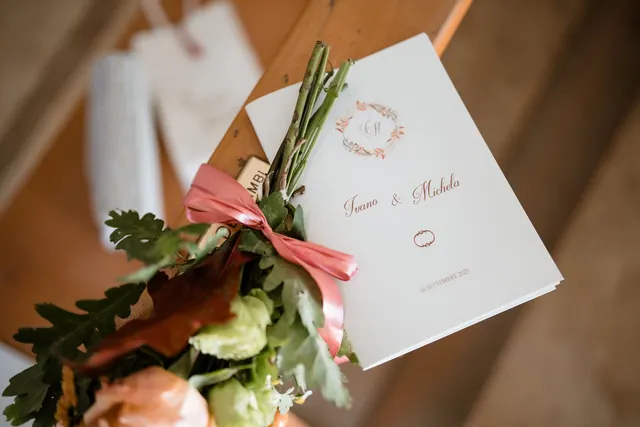 Order of service booklets
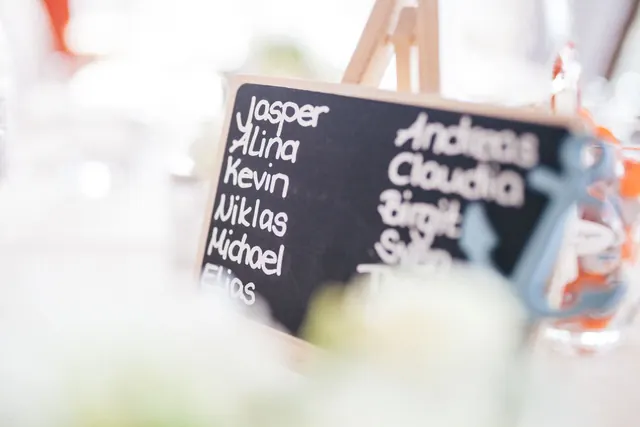 Table plan boards
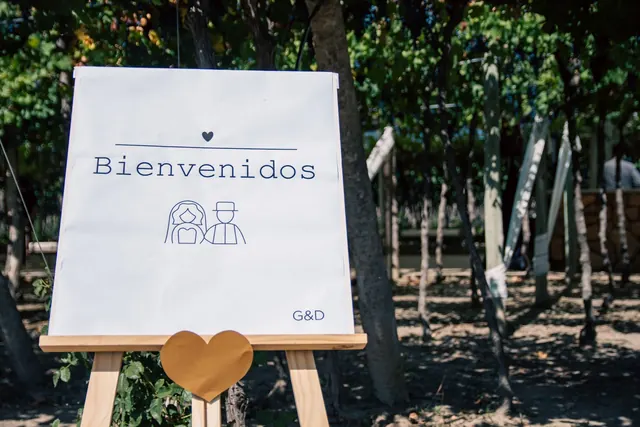 Welcome signs