Your events
Every event, its own RSVP
MaiyanJaggoSangeetAnand KarajReception
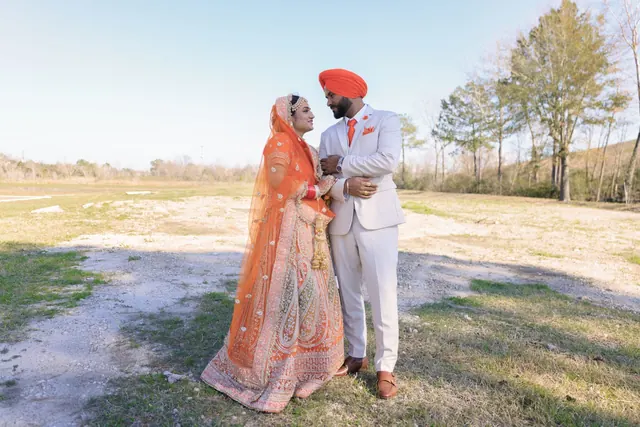
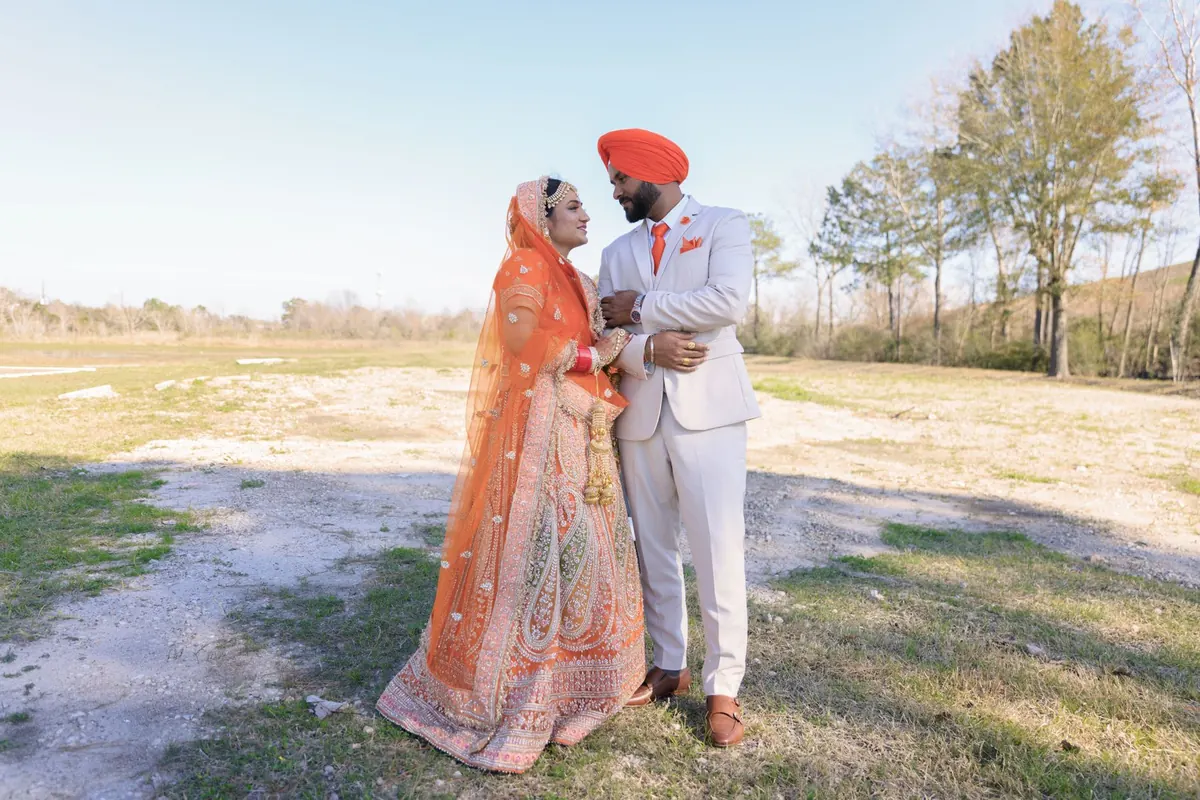
- Gurdwara etiquette, explained kindlyAdd a note about covering heads and removing shoes, so every guest arrives prepared.
- A separate RSVP for every eventThe Sangeet, the Anand Karaj and the reception each get their own numbers.
- English with PunjabiSignature and Bespoke websites can show your names and wording in Gurmukhi too.
- Bhangra on the playlistGuests can add a song request with their RSVP.
 Open the live exampleTry the opening, the events and the RSVP →
Themes couples love
Six themes to start with
Every theme works for every package. These are a good place to start; there are 55 in all.
PhulkariPunjabi phulkari embroidery in saffron, red and gold.
Baraat RoyalMaroon and gold, palace doors and a royal procession.
Mughal PalaceEmerald and ruby jewel tones under carved jharokha arches.
Sangeet NightPurple and pink party lights, dhol and dance.
Mehndi MarigoldMarigold garlands, henna patterns and mehndi-night colour.
Truck ArtPakistani truck-art florals, chains and bells. Loud and proud.
Questions
Good to know
Can we add the Gurdwara address and parking?
Yes. Each event card has its own address, a map link and parking notes.
Can family abroad watch the Anand Karaj?
Yes. Signature and Bespoke include a live-stream page.
How quickly will it be ready?
Within 48 hours of receiving your details. Signature websites are ready within 24 hours.
Can each family see only their own events?
Yes. From the Wedding Website package, each household gets its own private link that shows only the events they are invited to.
How do guests reply?
They tap RSVP, choose their events, numbers, meals and dietary needs, and send. There's no app to download and no login.
How do we see the replies?
In your live dashboard, by email as each reply arrives, as a spreadsheet, or in your own Google Sheet. Signature adds a report for your caterer and venue.