

Short answer
To create a wedding slideshow, gather your favourite photos and videos, choose a simple editing tool, arrange them in a logical order, add music and transitions, then export and test it before the big day.
Start by collecting all the photos and videos you want to include. Ask family and friends for their favourite shots, and sort them into a folder on your computer. Aim for a mix of childhood photos, engagement pictures and recent couple shots. Keep the total length around five to eight minutes so guests stay engaged.
Choose a straightforward editing programme on your phone, tablet or computer. Most devices have a built-in video editor that lets you add photos, trim clips and set the duration for each image. Arrange the slides in a timeline that tells a story, perhaps from childhood, through meeting, to your engagement. Add gentle transitions between slides, like fades, and pick a song that means something to you both. Make sure the music is not too loud and that it fits the mood.
Once you have finished, export the slideshow as a video file and watch it all the way through. Check that every photo is the right way up, that text is readable and that the timing feels natural. Test it on the same screen or projector you will use at the wedding. Have a backup on a USB stick and a cloud service in case the laptop fails.
People also search
- how to create a wedding slideshow
From us
Website packages · Wedding print Wedding websiteWedding Website£99 one-offYour full wedding website with RSVP for every event, meal choices and a private link for each household.See Wedding Website →
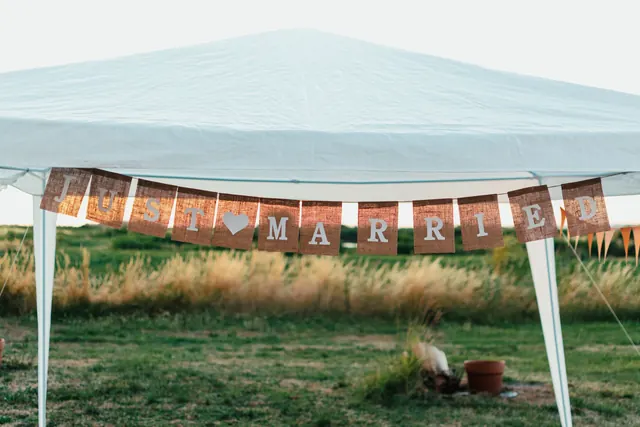 Wedding printJust Married bannersfrom £33.98Just Married banners for the car, the venue or your exit photos.Design it online →
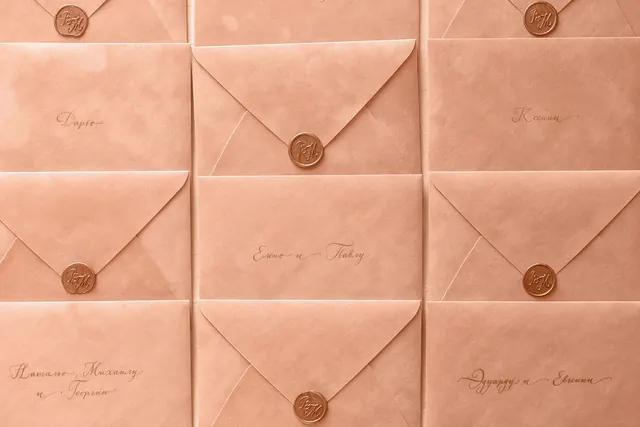 Wedding printPrinted wedding invitationsfrom £36.28Printed invitations and save the dates on quality card, with a QR code that opens your wedding website.Design it online →
 Wedding printThank-you cardsfrom £42.34Folded thank-you cards with your favourite photo from the day on the front.Design it online →
Answers from couples and guests
No answers from readers yet. Been through this yourself? Share what worked for you.
Add your answer
Related questions
- How do I make a wedding slideshow?
- How do you create a wedding photography shot list?
- What is a typical timeline for wedding photography?
- What is the golden hour at a wedding?
- Do you give your photographer a wedding invite?
- How to look good in wedding photos as a guest?
From other topics
 Save the date cards
 Order of service booklets
 Table plan boards
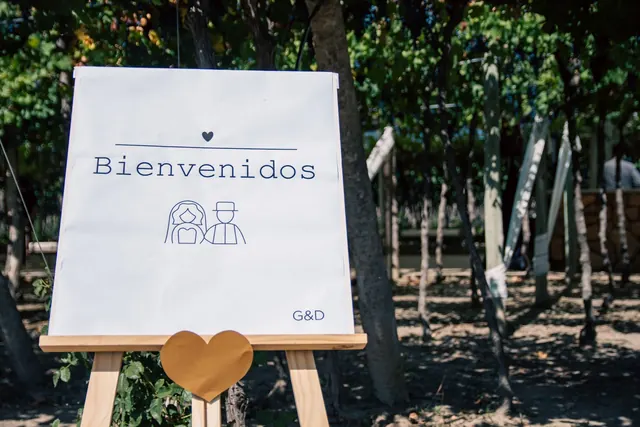 Welcome signs