

Short answer
Group wedding photos by the flow of the day, starting with getting ready, then the ceremony, portraits, and reception. Within each section, arrange by time and key moments, and mix wide shots with close-ups to tell a story.
Think of your album as a story with a beginning, middle, and end. Start with getting ready shots, the dress or suit, and details like rings and flowers. Then move to the ceremony, capturing the entrance, vows, and the first kiss. After that, include the formal group photos and the couple's portraits. Finish with the reception: the speeches, first dance, cake cutting, and evening party. Within each section, keep the order chronological. For example, in the ceremony, start with guests arriving, then the processional, then the exchange of rings. Aim for a balance of wide shots that show the venue and crowd, medium shots of groups, and close-ups of faces and details. You don't need every photo, just the ones that capture emotion and key moments. A typical album might have 60 to 100 pages, but quality matters more than quantity. Choose photos that make you feel something, and leave out duplicates or blurry shots.
People also search
- how to group photos
- how to group pictures
- how to group images
- why do you group images
From us
Website packages · Wedding print Wedding websiteWedding Website£499 one-offYour full wedding website with RSVP for every event, meal choices and a private link for each household.See Wedding Website →
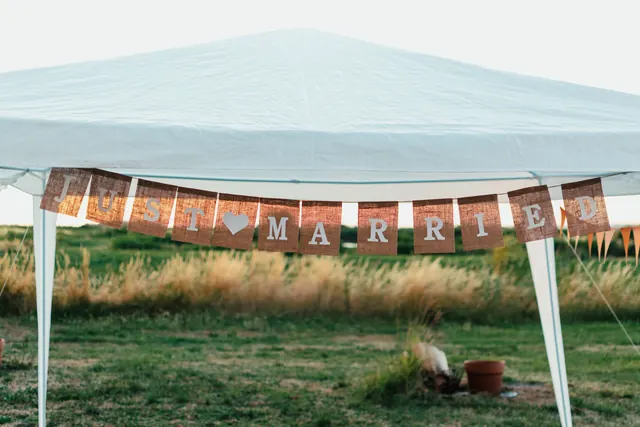 Wedding printJust Married bannersfrom £33.98Just Married banners for the car, the venue or your exit photos.Design it online →
 Wedding printPrinted wedding invitationsfrom £36.28Printed invitations and save the dates on quality card, with a QR code that opens your wedding website.Design it online →
 Wedding printThank-you cardsfrom £42.34Folded thank-you cards with your favourite photo from the day on the front.Design it online →
 Answers from couples and guests
No answers from readers yet. Been through this yourself? Share what worked for you.
Add your answer
Related questions
- What is a group photo?
- How do you plan wedding group photos?
- How do you take good group photos at a wedding?
- How to stand out in a group photo?
- How to take the perfect group photo?
- How to look slimmer in group photos?
From other topics



 Save the date cards
 Order of service booklets
 Table plan boards
 Welcome signs